App logo

Your gallery is full. Your patience is empty.

App screenshot
App screenshot
App screenshot
App screenshot
App screenshot

Your gallery, minus the clutter.

Reclaim your storage in minutes, not hours.

Reclaim your storage in minutes, not hours.

App screenshot

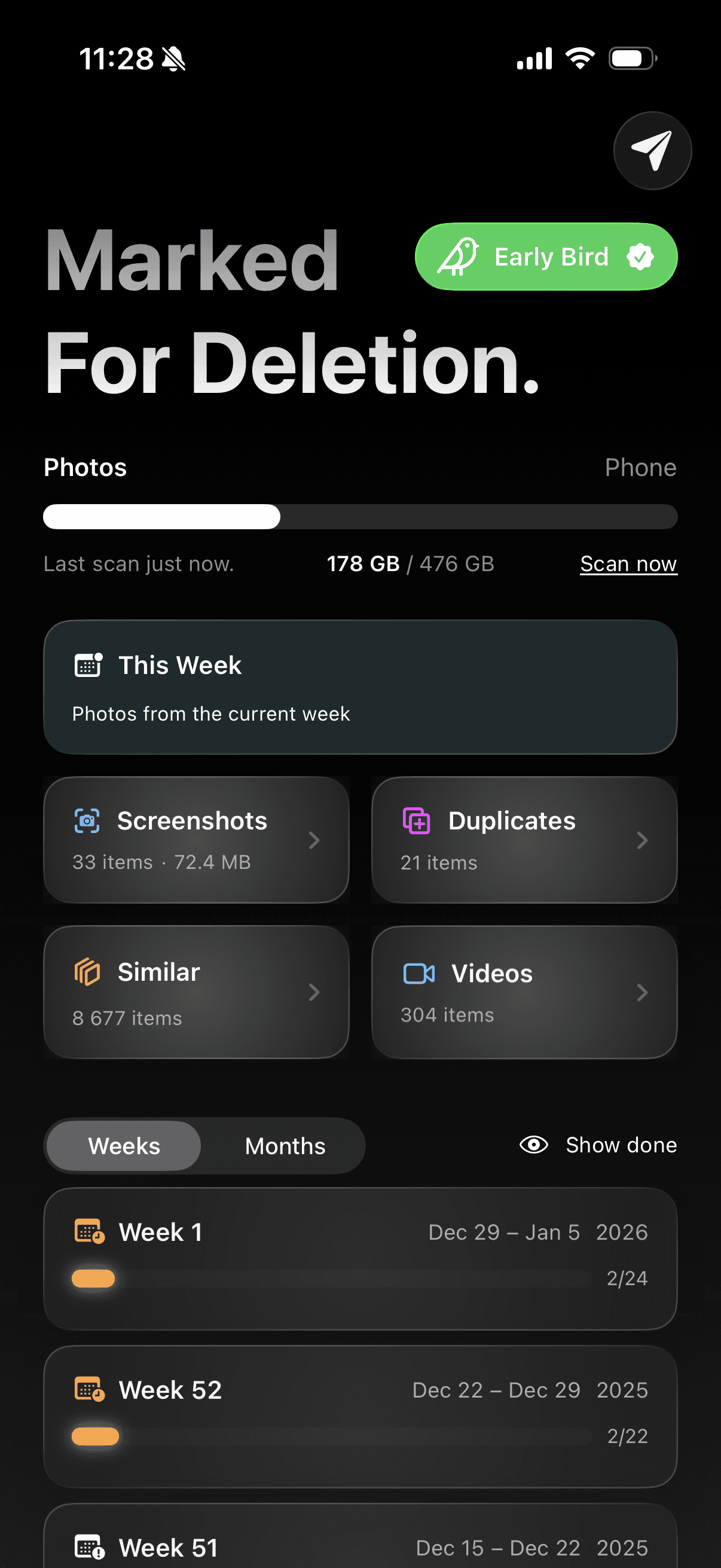
Smart Scan

Detect Duplicates.

Privacy First

100% on-device.

Batch Delete

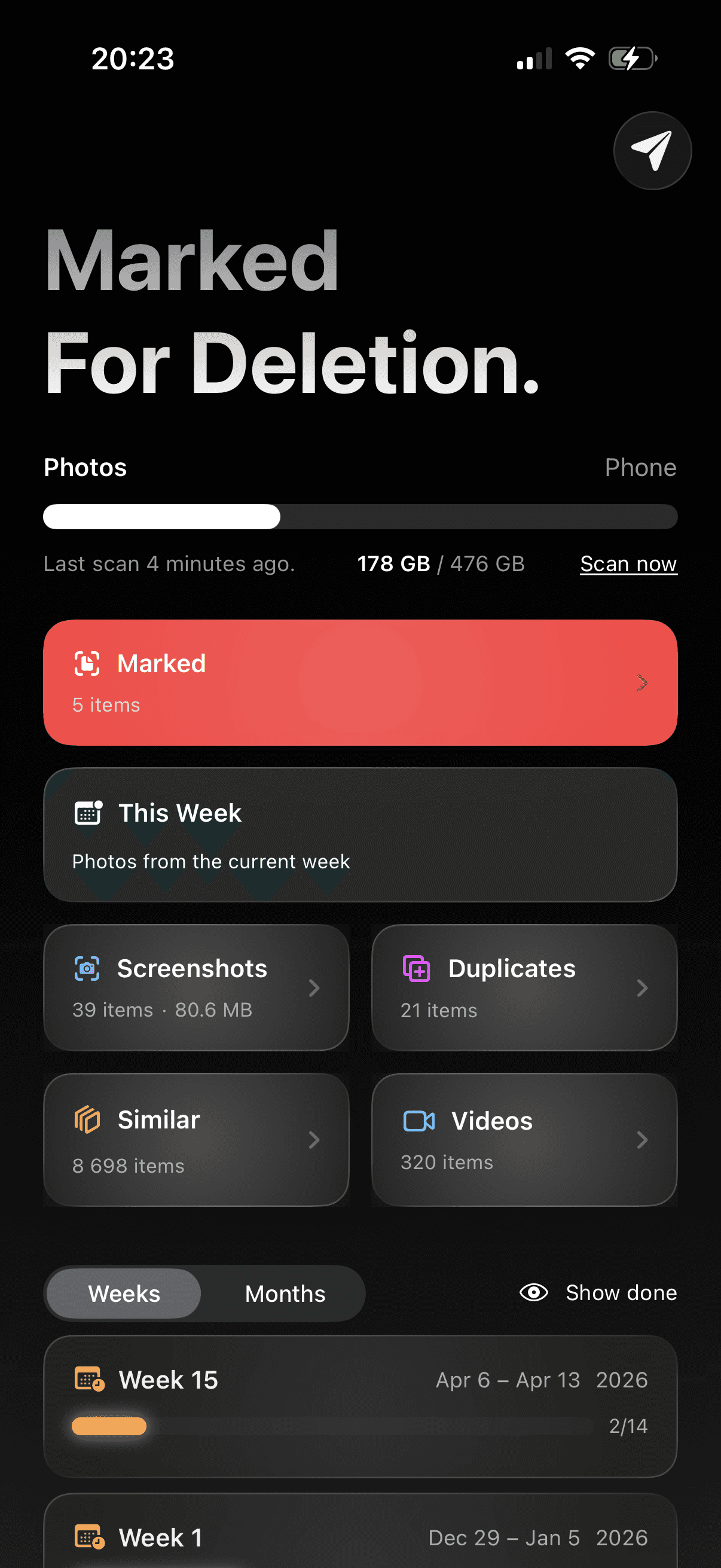
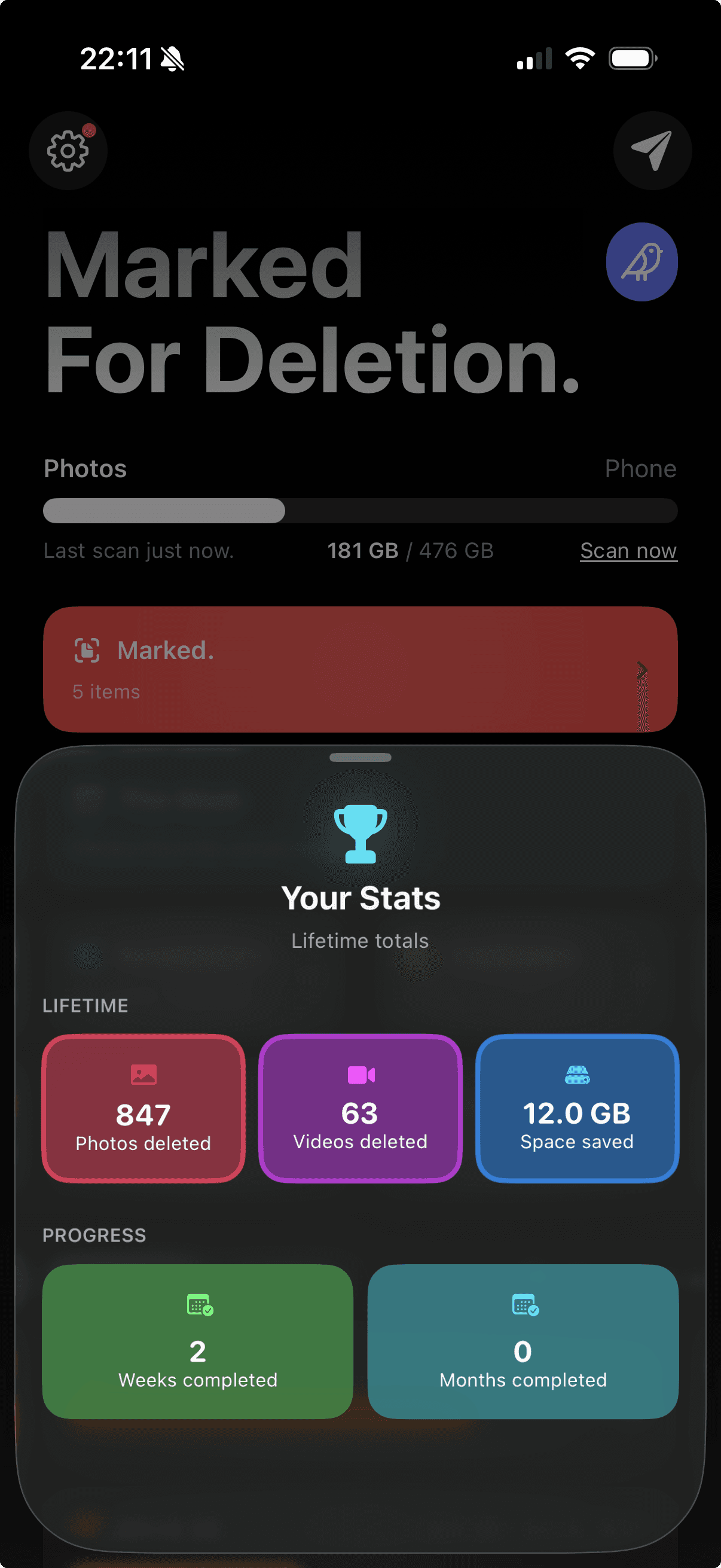
Mark now, delete later.
Poster
Poster
Poster

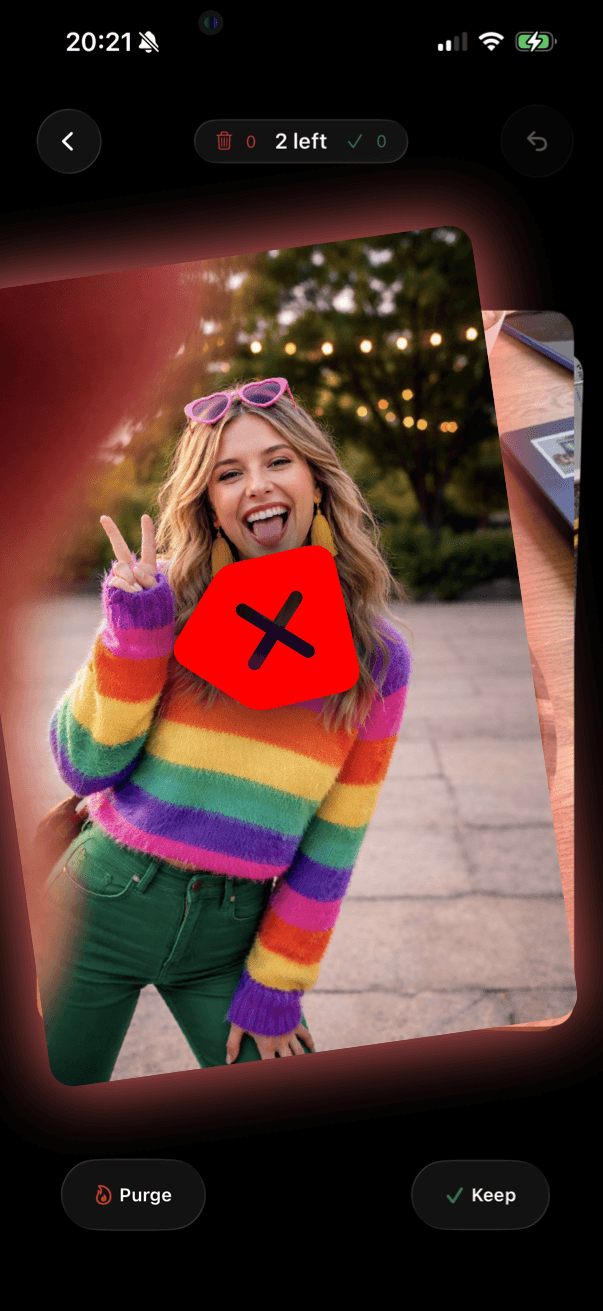
Swipe through your entire library at lightning speed. No menus, no multi-tap workflows.
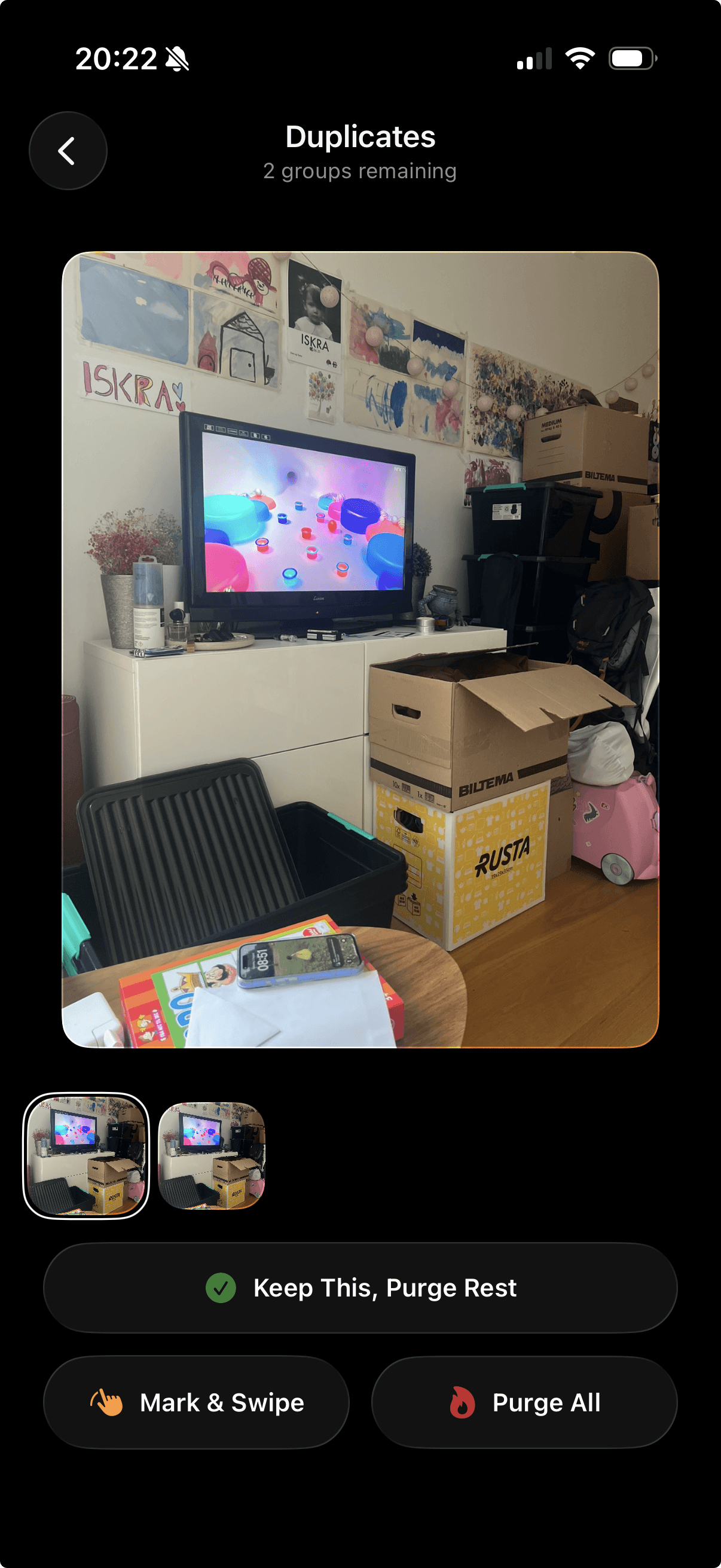
Duplicates — found in seconds.

Duplicates — found in seconds.

App screenshot

Check duplicates and similar shots side by side.

Keep the one you like, mark the rest, move on.

Or swipe through each one individually — your call.

Check duplicates and similar shots side by side.

Keep the one you like, mark the rest, move on.

Or swipe through each one individually — your call.

No Cloud Storage
or Upload.

No Cloud Storage
or Upload.

Available for iPhone
and iPad.

Available for iPhone
and iPad.

User Feedback
Driven.

User Feedback
Driven.

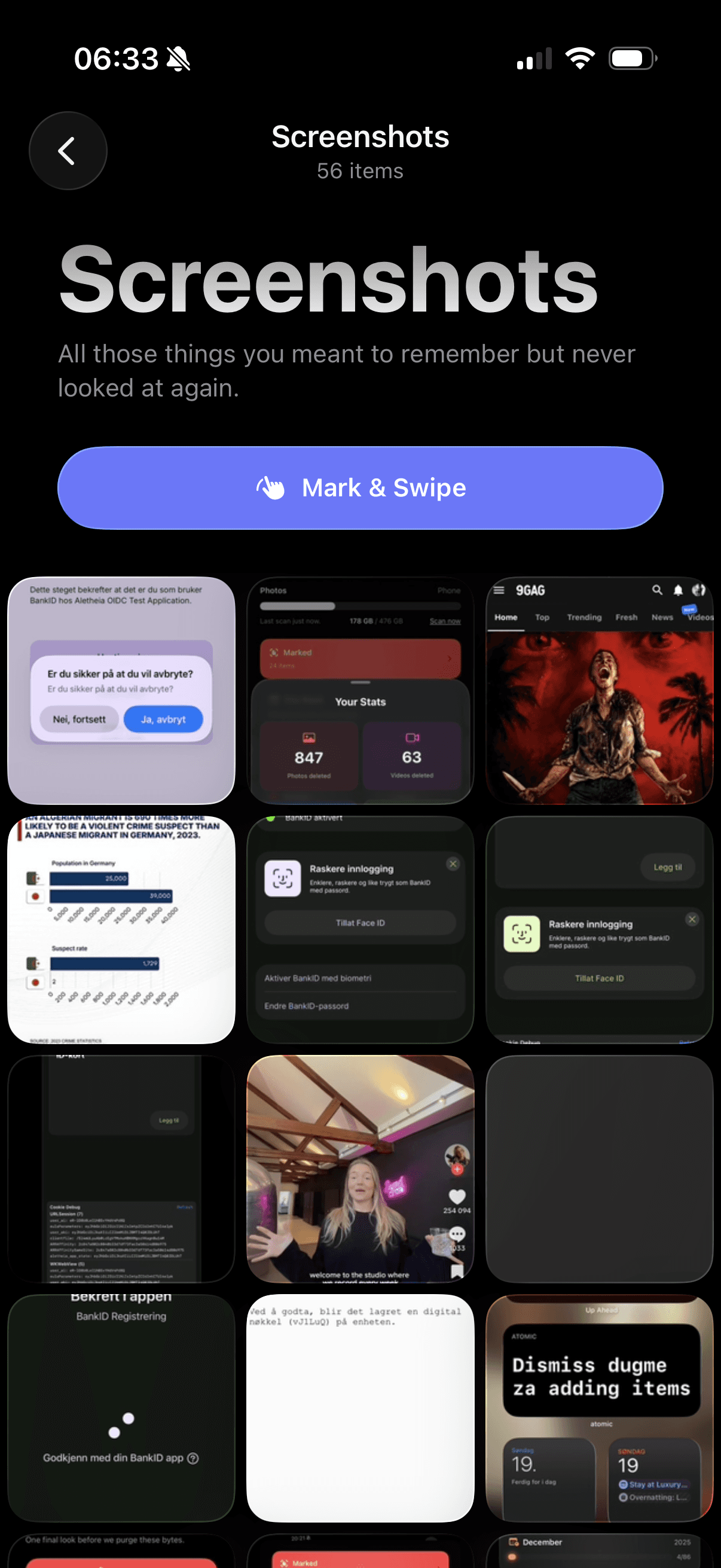
5,000 screenshots and counting? Let's fix that.

App screenshot

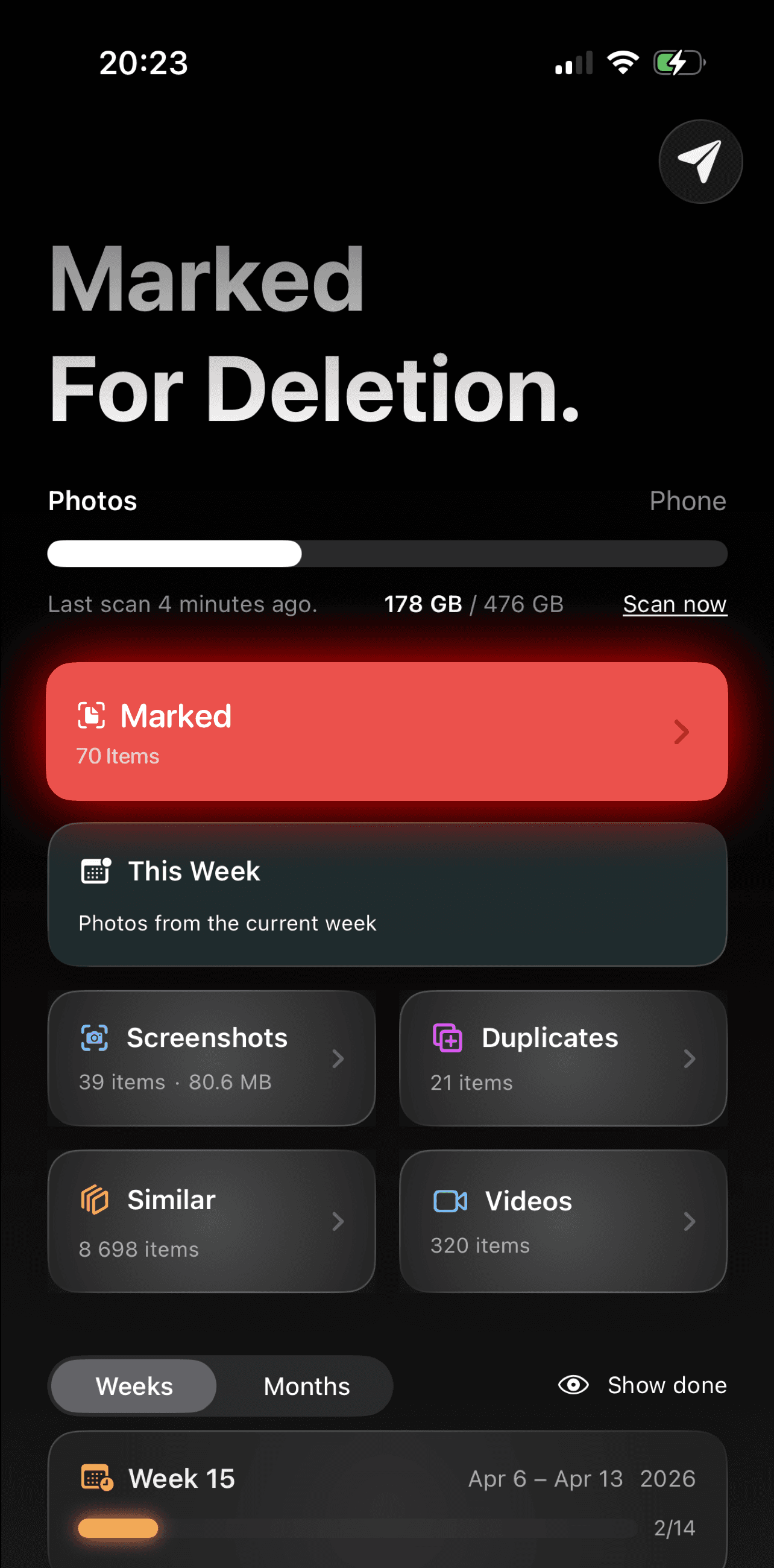
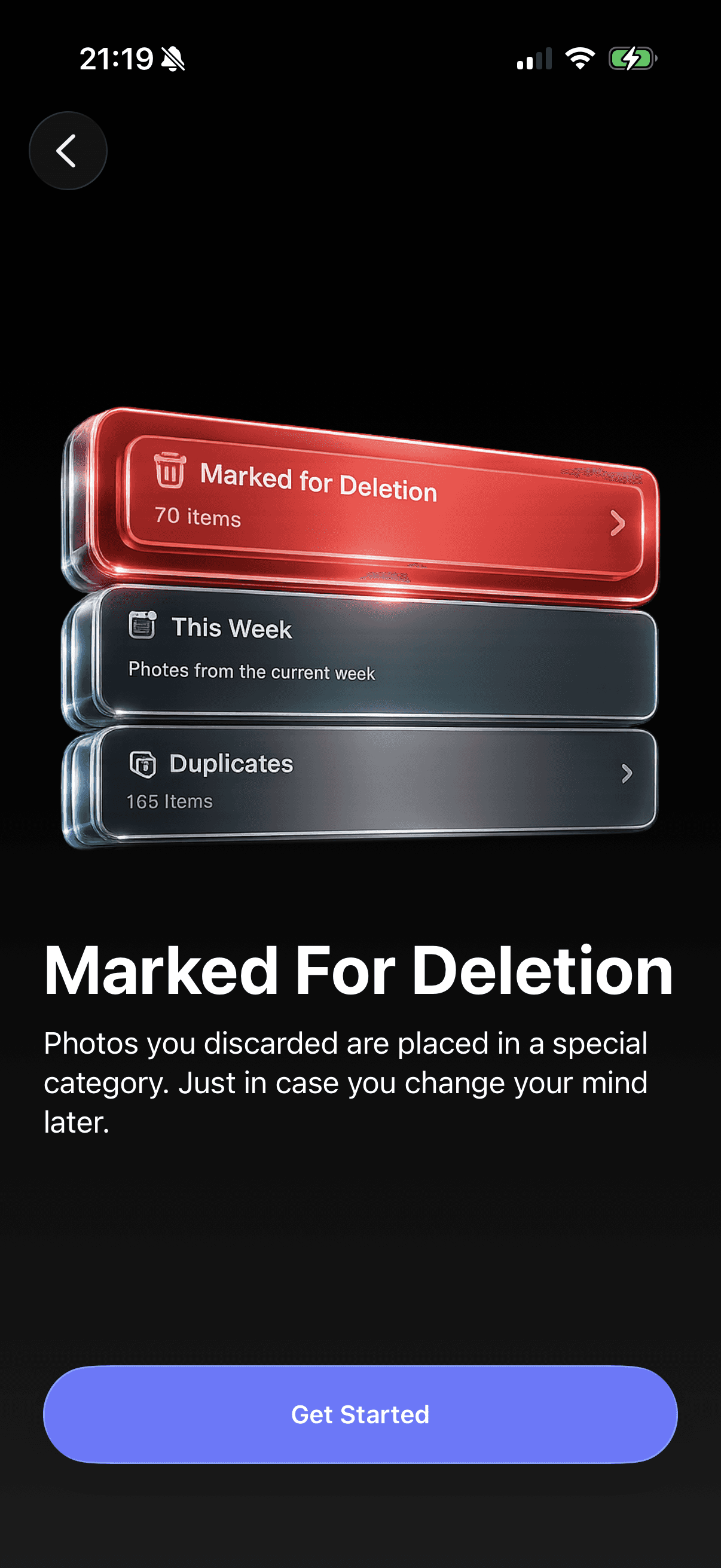
Every photo you mark goes into a staging area — not the trash. Review them again, rescue anything you second-guess, and only delete when you're actually ready. One long-press, all at once.

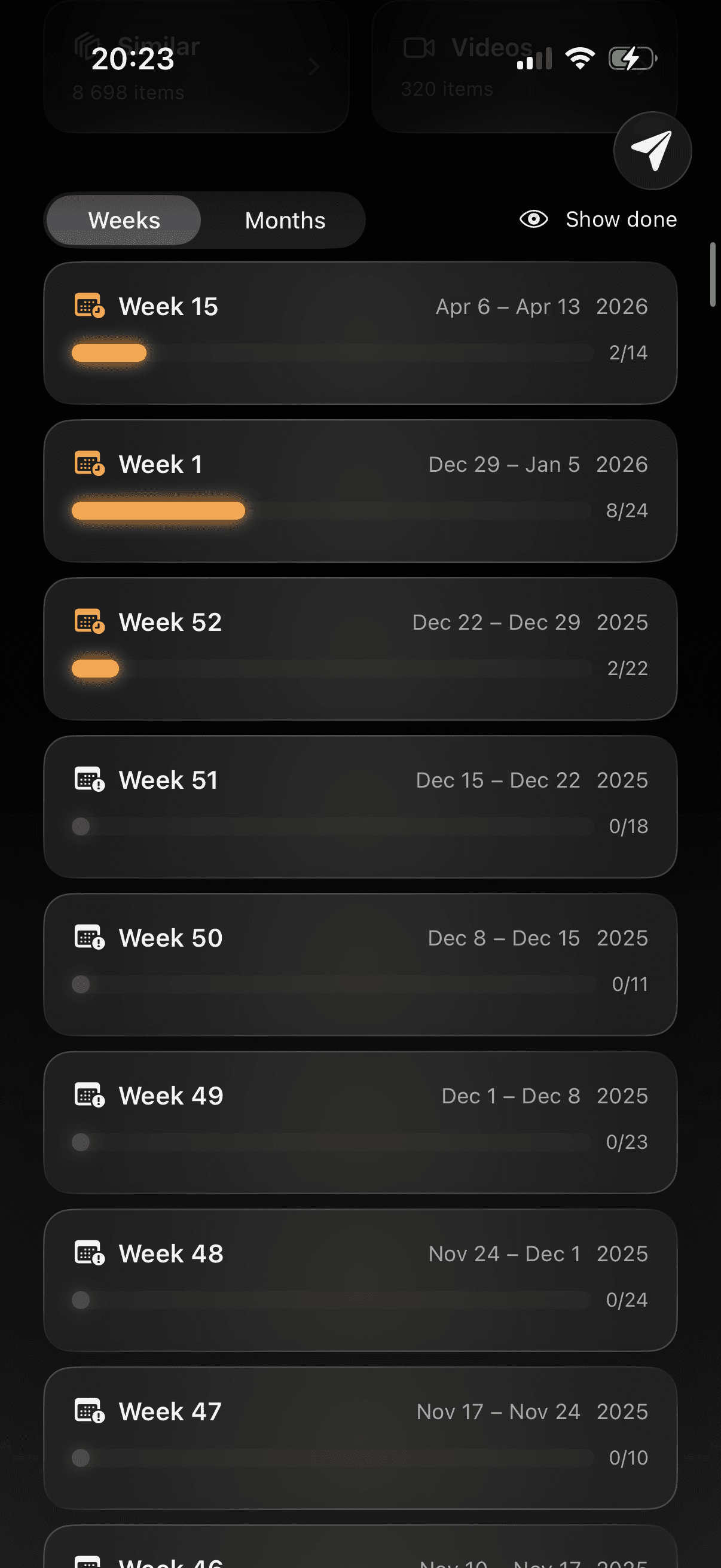
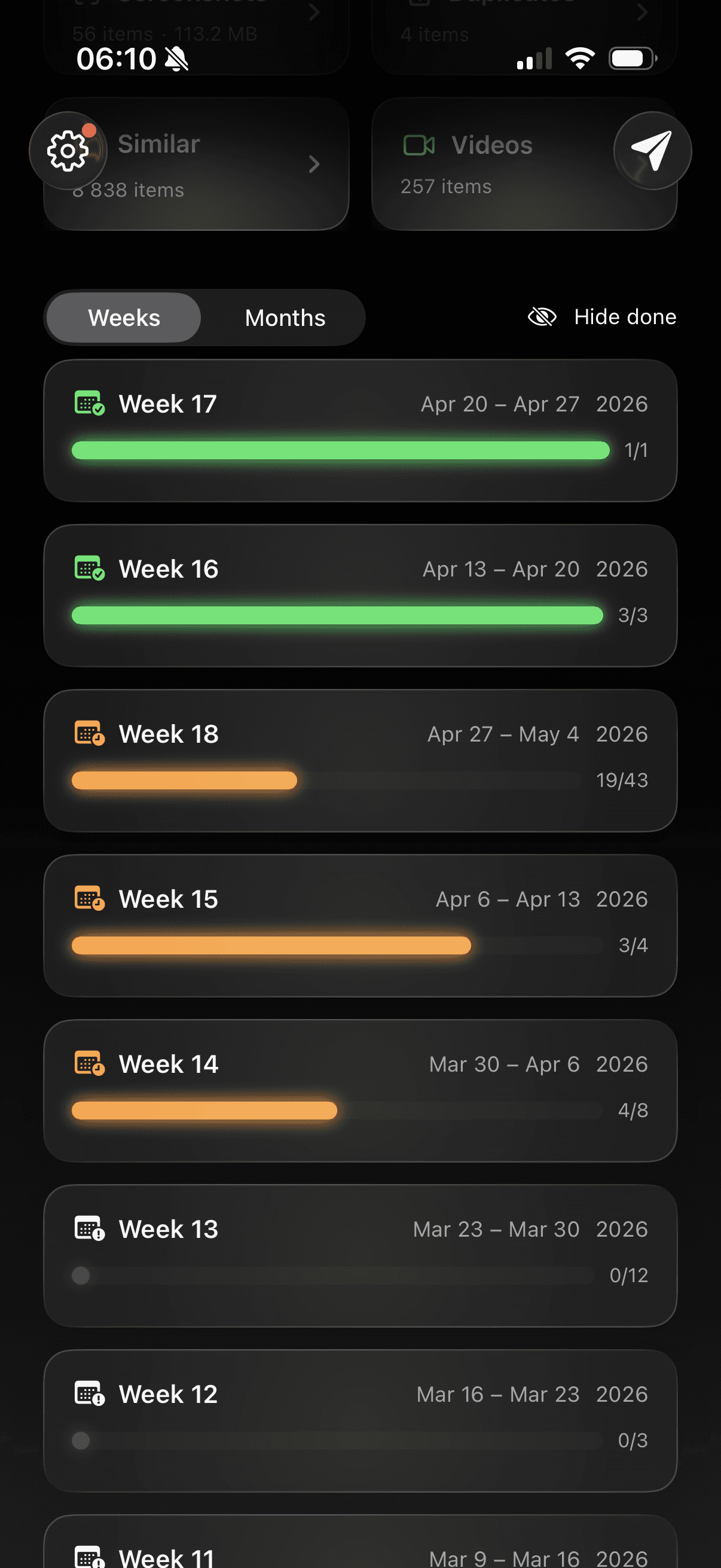
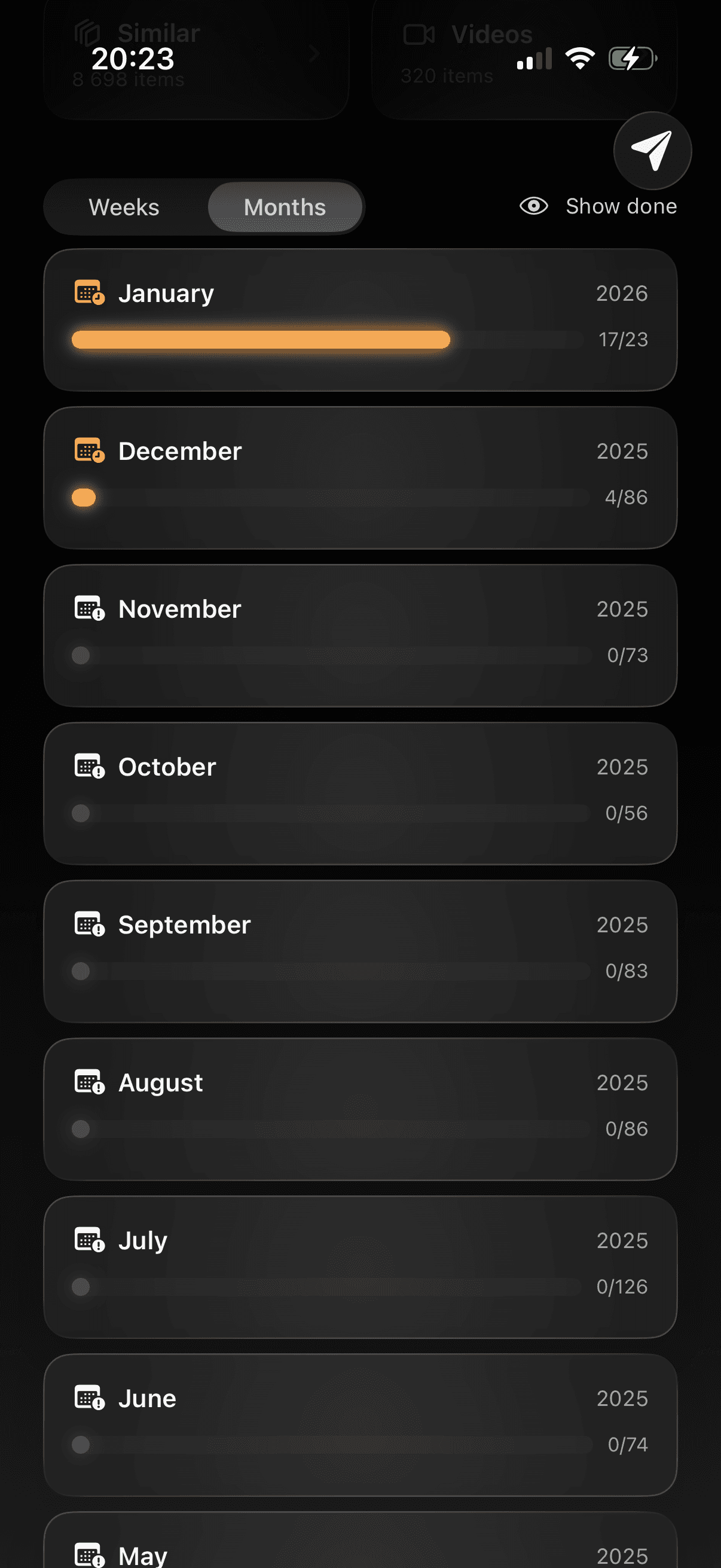
Weekly & Monthly Cleanup
App screenshot

Cleanup never feels overwhelming. Pick up where you left off anytime.

Cleanup never feels overwhelming. Pick up where you left off anytime.

App screenshot
App screenshot
App screenshot

Track your progress or locate specific date range you want to go over.

Track your progress or locate specific date range you want to go over.

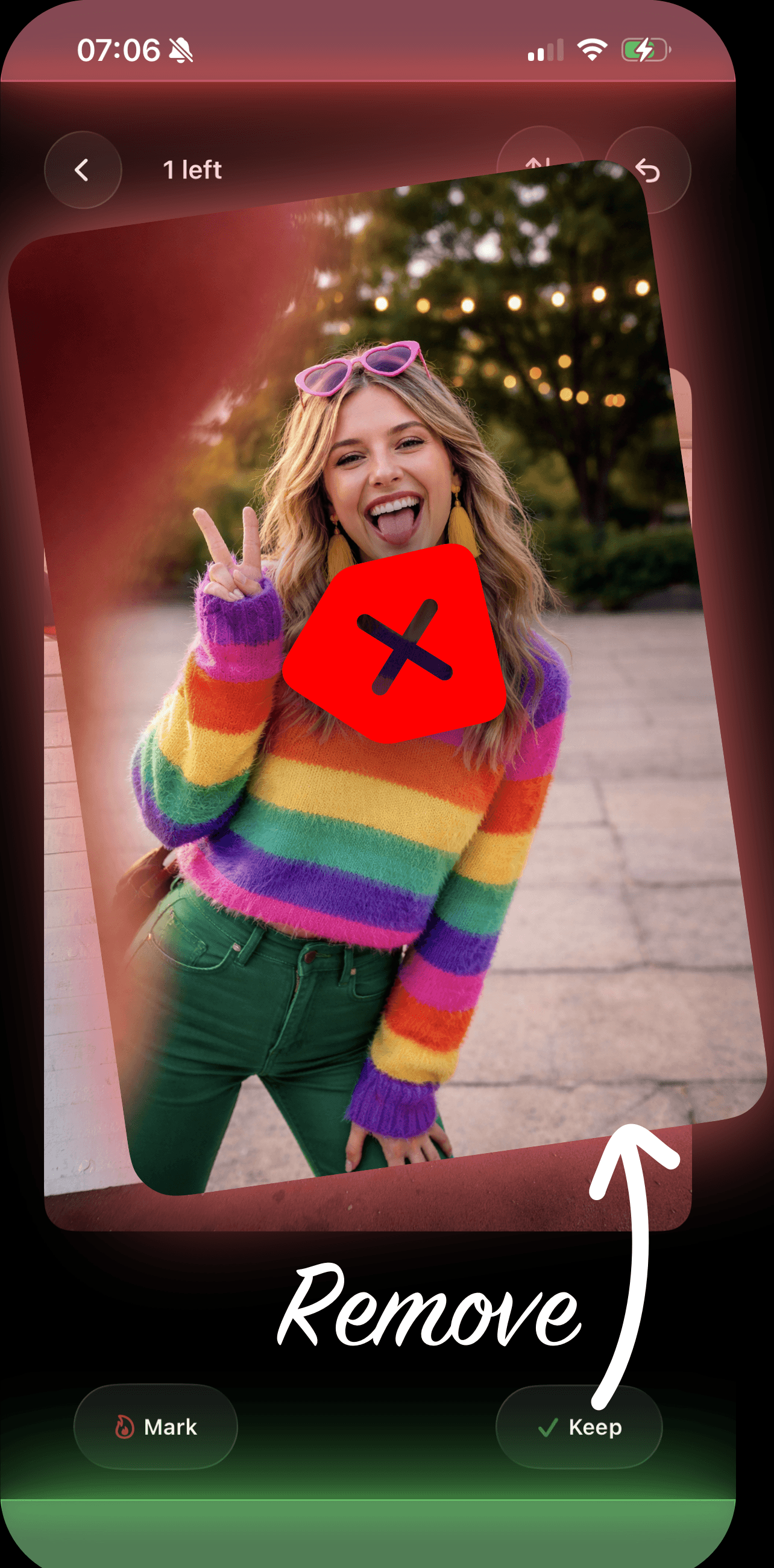
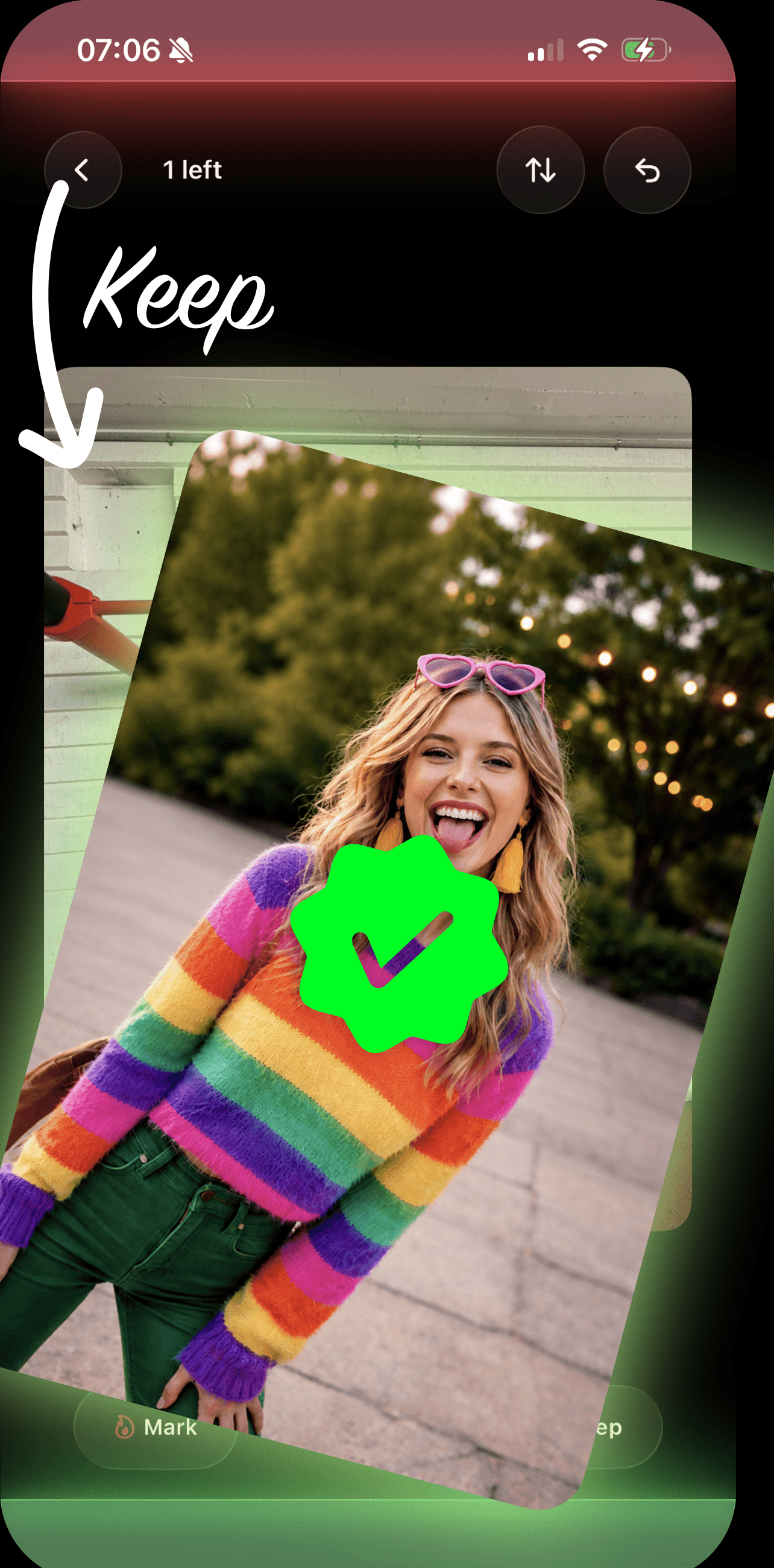
Swipe right to keep.
Left to let go.

Swipe right to keep.
Left to let go.

01

Photos show up as a card stack. Swipe right to keep, left to mark for deletion.

02

Review photos again (optional), rescue anything you second-guess

03

One long-press, delete all at once.
App screenshot

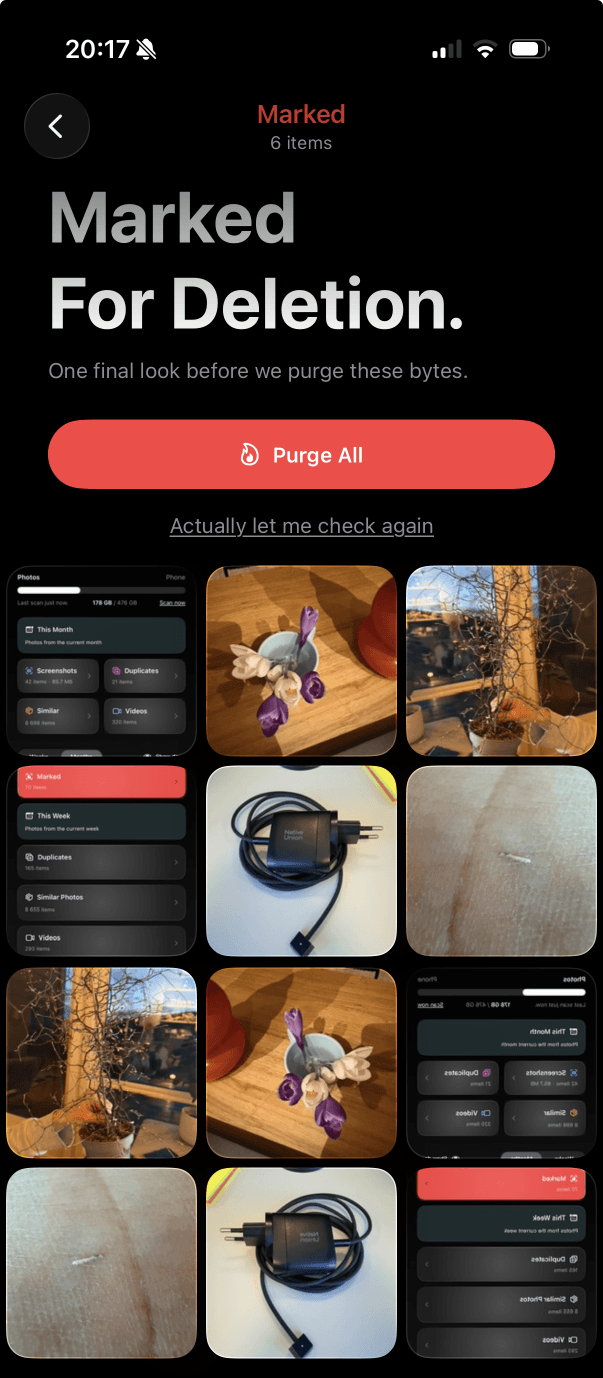
See exactly how much space you saved.

After every purge, Marked shows you how many photos, videos, and gigabytes you freed — this session and lifetime.

See exactly how much space you saved.

After every purge, Marked shows you how many photos, videos, and gigabytes you freed — this session and lifetime.

App screenshot
App screenshot
App screenshot
App screenshot
App screenshot
App screenshot
App screenshot
App screenshot

Is the app free?

Yes, our app is completely free to download and use. In the future it will be feature-locked but at the moment we offer pre-purchase at 96% discount.

Basic functionality will not be locked, ever.

How do you handle privacy?

We do not upload or store any photos. Categorization is done by metadata lookup which only tells us if photos are duplicates, screenshots or when were they taken. Your photos stay yours.

Is Marked accessible?

Fully. The app supports VoiceOver throughout, and includes a dedicated Assistive Access mode with only two large buttons — "Review Photos" and "Free Up Space" — designed for users who benefit from a simplified interface.

Does it work with videos?

Yes. Videos appear in the swipe deck just like photos — they play inline so you can preview them before deciding. Large videos are also flagged separately under the Large Files category.

Will Marked delete my photos without asking?

No. Swiping left only moves a photo to a staging area called "Marked for Deletion." Nothing is actually removed from your library until you explicitly confirm by holding the delete button.

People love the app.

Jack S.

"Finally cleared 4GB of duplicate sunset photos I didn't even know I had."

Jack S.

"Downloaded it thinking I'd delete maybe 50 photos. Ended up clearing 1,200."

Jason M.

"Marked found 300 screenshots of Wi-Fi passwords I will never need again."

Jason M.

"My phone stopped yelling at me about storage. That's a five star app."

Claire J.

"I've been meaning to clean my gallery for two years. This took ten minutes."

App screenshot
App screenshot

Emma T.

"Used it on my mom's phone. She had 47 identical photos of her cat. Down to 3 now."

Max R.

"I keep coming back every Sunday to clean the week. It's become a ritual."

Eva L.

"Love that nothing gets deleted until I say so. No anxiety, just swiping."

Subscribe
for updates.

App logo

Download now and start cleaning!

Download now and start cleaning!

App screenshot
App screenshot